October 13, 2026
How I'm getting off WordPress
I've built and managed close to 50 WordPress sites over my career. As of this week, I'm down to my last 2.
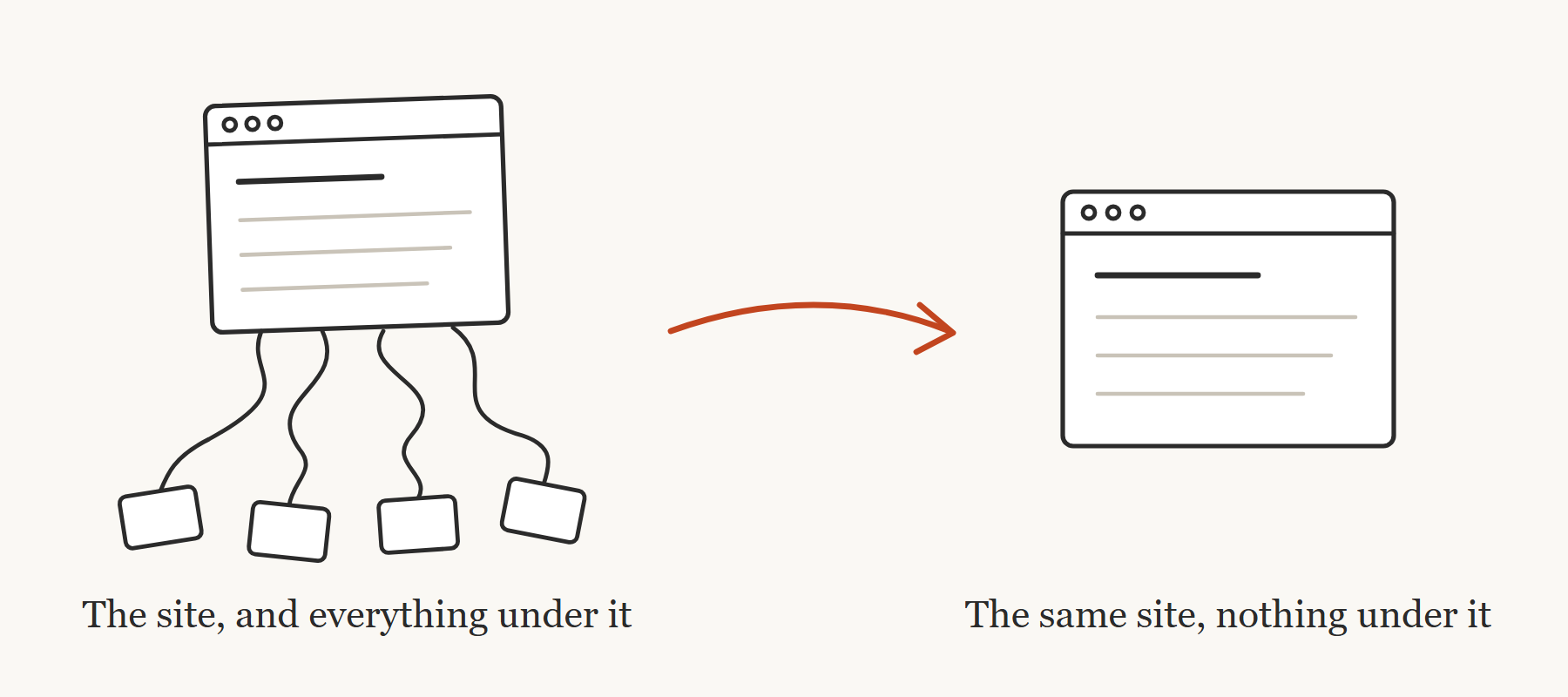
On Thursday I moved another client's site off WordPress, and I filmed the whole thing in Modern Builders Society. Six pages, three forms, and a quote form that has taken hundreds of requests and feeds straight into the company portal I built for them. It was live on the new stack in about 3 hours.
My goal wasn't to make the design better. It was to keep it exactly the same, just without WordPress underneath it. Nobody at that company logs in, so all they need is for the site to work and the forms to land where they always have.
I see the same situation with almost everybody who builds for clients:
It's an agency owner paying for hosting and plugin updates on a pile of sites nobody has edited in years.
It's a freelancer who still gets the "the site is down" text because an update broke something overnight.
It's a consultant whose client asks for one small change, and it turns into an afternoon of fighting a legacy page builder.
If it's a marketing website and the client never logs in, everything WordPress is doing for them is something you're maintaining for nobody.
Here's the order I do a move in, every time:
Back up the old site before you touch anything. Once the domain points somewhere new, the old site is gone for good, and so are the "before" screenshots you should have taken.
Every old URL has to land somewhere. Pull the full list of pages the old site served (not just the menu), and make sure each one either exists on the new site or redirects. That's how you keep the Google traffic.
Copy the forms exactly, then test where every email goes. The forms are the hard part, because that's where the business actually runs. Same recipients, same fields, same files coming through.
Pro tip: before you switch the domain over, export the DNS zone file and don't touch the email records. Breaking a client's email is the fastest way to regret your entire existence (don't ask me how I know that).
That whole order is in a kit, and I'm giving it to you: the runbooks I follow and the 13 scripts that do most of the manual labor, from backing up the old site to generating every redirect. Download the kit, drop the folder somewhere, point Claude Code at it, and tell it to pick up where I left off. It's free, have at it. Start with mine and make it your own.
Last thought on this: move it first, improve it later. An exact copy is a one-day job. A redesign is a project, and it can be the next one. (Next week I'll give you the skill I use to make new website designs.)
The kit is the free part. Inside Modern Builders Society you can watch me do Thursday's whole move with the same method, start to finish: the three forms, the file uploads into the client portal, and the domain switch. Plus office hours every other Wednesday, where you can bring your own site and ask me how I'd move it. 40 builders are already in there doing this for their own clients.
Talk soon,
Mark
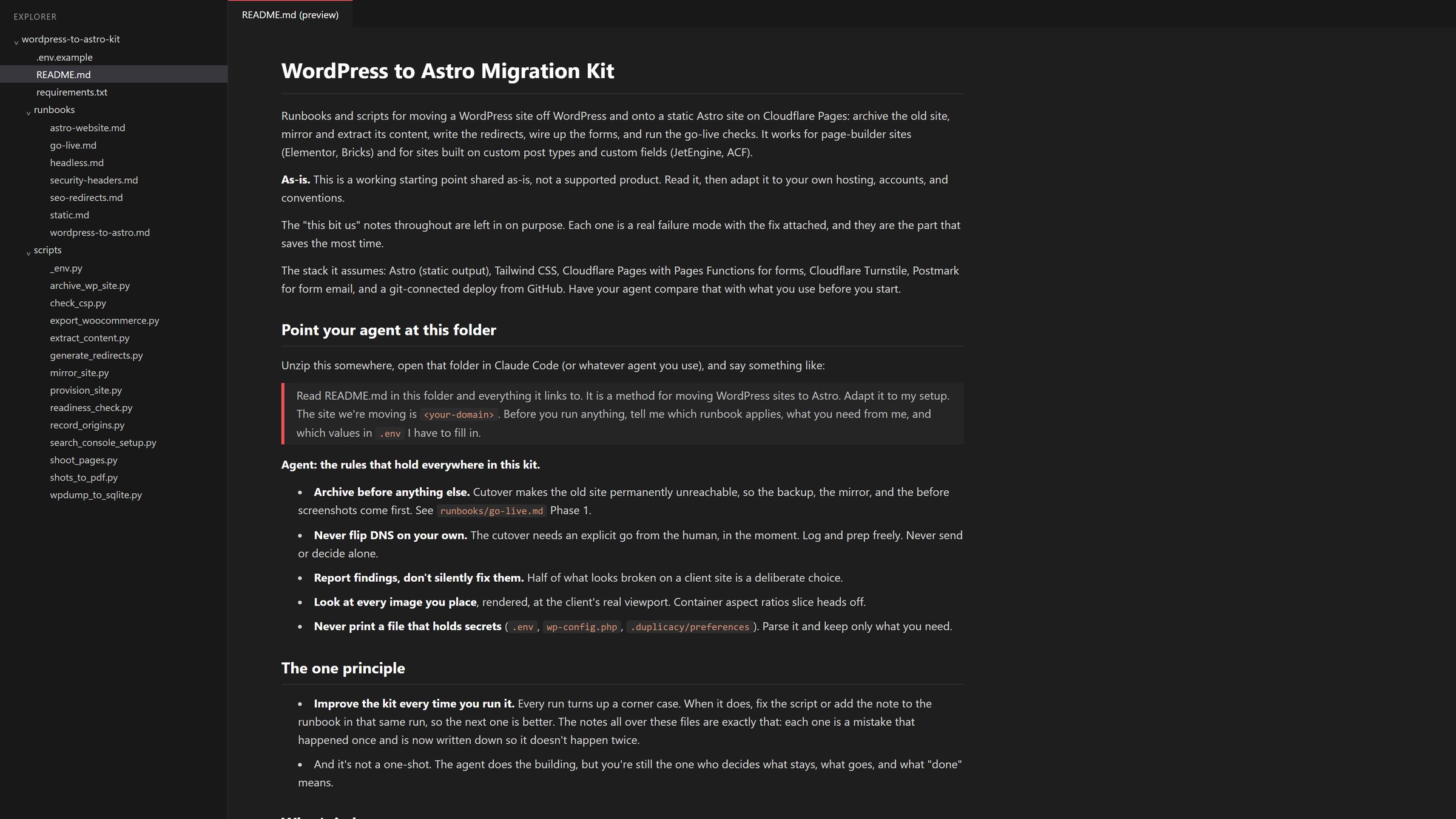
The resource from this issue
WordPress to Astro Migration Kit →
Get the next one.
One issue every Tuesday morning, usually with something free to take and use.
You're in.
is on the list.
You'll hear from me when something worth sharing comes up.
Run a business and don't build tech for clients? Pick the first option and you'll get my weekly email for business owners instead.