Logitech MX Master 4
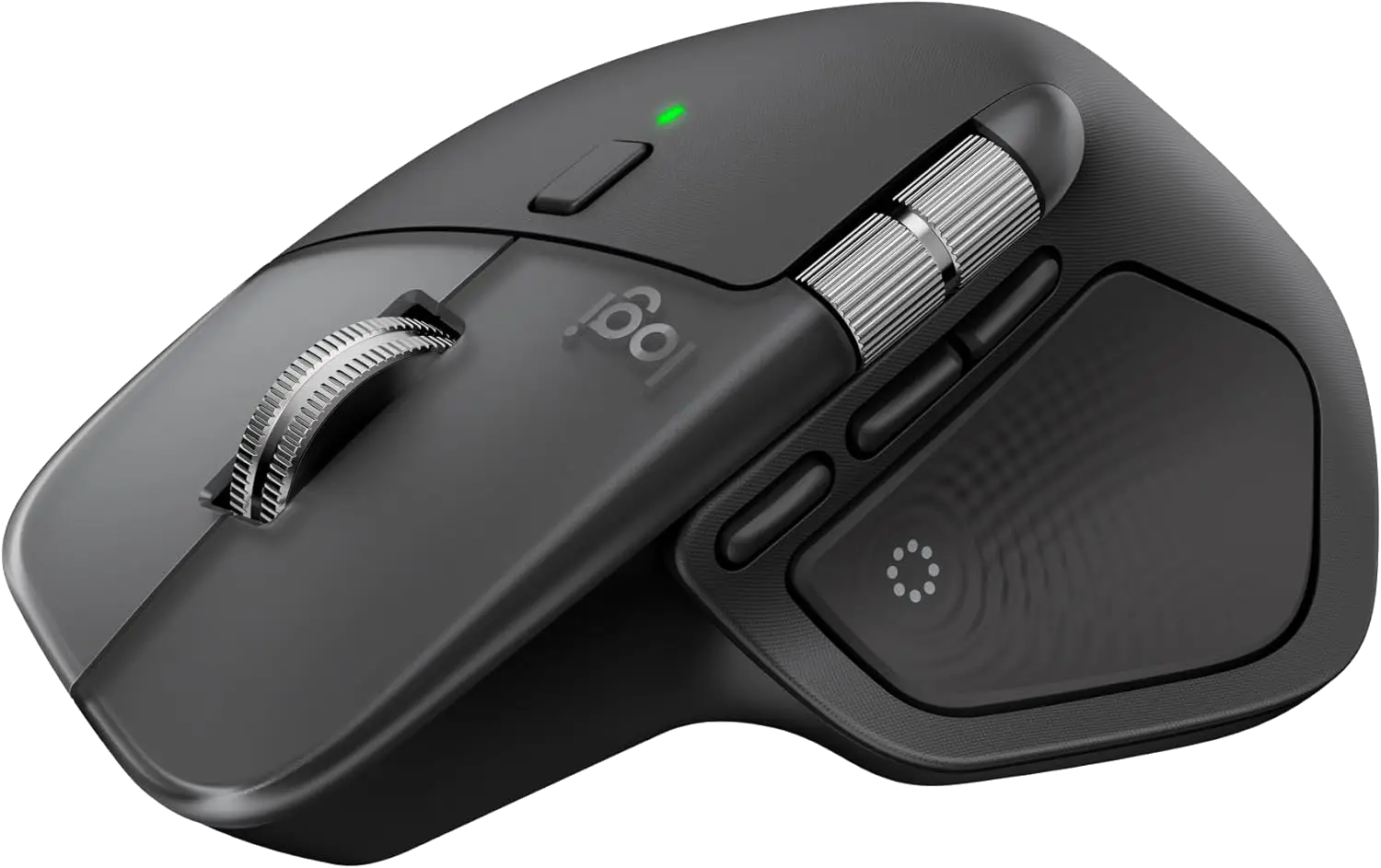
Premium wireless mouse with ergonomic design and MagSpeed scroll wheel.
I waited years for this. The MX Master 3 was a good mouse, but it had that weird coating on the back that would get gross over time. Logitech stepped it up with the 4. USB-C unified connector, still has Bluetooth, all the extra side buttons and the little thumb scroll wheel. Logitech Options Plus is fantastic software for customizing everything.
The biggest upgrade for me is that the buttons are silent now. I cannot go back to clicking. I actually hate hearing mouse clicks at this point. When I use my MX Anywhere 3 upstairs and hear the clicking, it’s such a worse experience for me and everyone around me. It’s so much nicer to have a quiet mouse.
I get genuinely irritated when I have to use a different mouse now. You can switch between devices easily, and it’s just comfortable for all-day use. Occasionally, the Wispr Flow trigger button on top gets a little weird, which might be a Windows thing, but that’s minor. This is the best productivity mouse I’ve used.